
What is a user flow in Heurilens?
A user flow is not a diagram of screens. In Heurilens, a flow is defined as: Intent → Steps → Feedback → Next action Flow breaks when the user cannot confidently answer:- Where am I right now?
- What just happened?
- What do I do next?
Flow breakdowns leave behavioral traces
Momentum loss
Momentum loss
Users slow down unexpectedly between steps, even when the UI is functional. This often appears as long pauses after a click, submit, or navigation event.
Dead-end moments
Dead-end moments
Users reach a point where there is no clear next step, recovery path, or confirmation. They often exit immediately after this moment.
False progress
False progress
Users believe they progressed, but the system state does not match expectation (e.g., form submits but no confirmation, filters reset, step not saved).
Flow types Heurilens commonly evaluates
- Exploration flow
- Conversion flow
- Onboarding flow
Typical intent: “Let me understand what this product offers.”Common breakpoints:
- users skim without committing to a path
- repeated returning to the same sections
- unclear relationship between pages (features, pricing, FAQ)
How Heurilens detects flow issues
1
Journey mapping from page structure
Heurilens identifies possible paths between key surfaces (entry → decision → action), based on navigation structure and CTA destinations.
2
Step clarity and continuity checks
The system evaluates whether each step provides: clear state, clear feedback, and a clear next action.
3
Breakpoints and friction clustering
Heurilens flags flow breakpoints where multiple signals cluster: hesitation, loops, exits, and unclear feedback.
4
Actionable output generation
For each breakpoint, Heurilens generates: issue summary, impact, and fix direction tied to related modules.
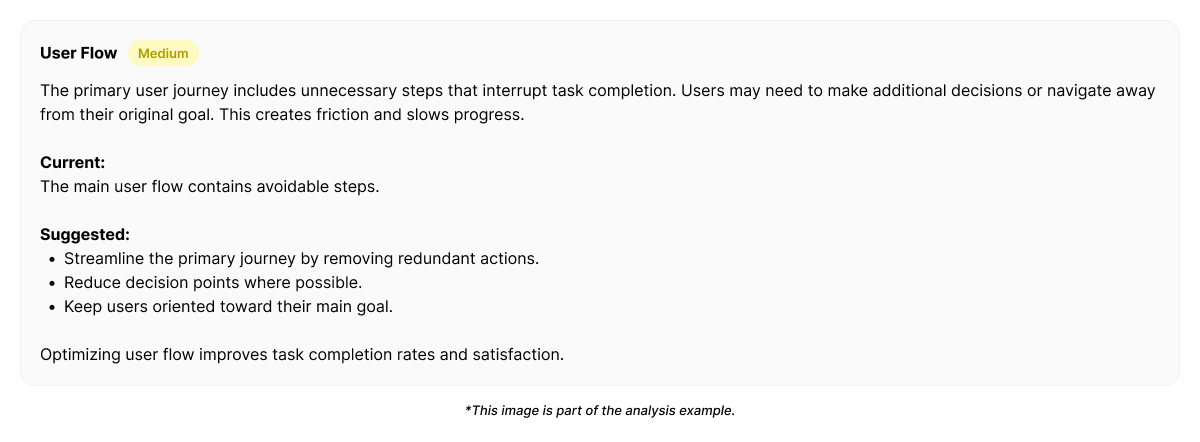
Example output from Heurilens (flow breakpoint)
Flow Breakpoint Detected
Users reach a decision step but hesitate and backtrack repeatedly.The next action is not visually or semantically confirmed, causing momentum loss and drop-offs.
Example fix direction (targeted)
Sometimes flow issues are not solved by adding more content. They are solved by making the transition moment unambiguous.How this connects to other modules
Flow is not a standalone problem. A flow break usually comes from one of these sources:- unclear feedback (Interaction Design)
- weak reassurance (Trust Signals, Emotional Design)
- unclear decision language (UX Writing)
- overwhelming step complexity (Cognitive Load)
- poor structural continuity (Information Architecture)
See user flow breakpoints on your product
Run an analysis and identify where users lose momentum across journeys.