
Technical UX is what users feel when systems respond
Users do not experience “architecture” or “infrastructure”. They experience:- waiting
- uncertainty
- repetition
- recovery
- reliability
What breaks when technical UX fails
Technical UX failures are often invisible in isolation. Users may still:- complete tasks
- reach outcomes
- see correct data
- confidence drops
- patience shortens
- retries increase
- trust erodes
Observable behavior linked to technical UX issues
Technical UX friction appears as:- repeated clicks or submissions
- refreshes after actions
- users waiting without feedback
- abandoning after delays
- reduced usage of critical features
Where technical UX shapes perception most
- Performance & latency
- State reliability
- Error tolerance
Users judge speed subjectively.Risk:
- delays without feedback
- inconsistent response times
- perceived slowness, even when average speed is acceptable
Technical UX signals are measurable
Users do not report “technical UX”. Heurilens observes:- retries after successful actions
- hesitation following loading states
- exits after state transitions
- drop-offs correlated with latency
- abandonment after silent failures
Technical causes vs user perception
The table below shows how technical issues translate into UX outcomes:
Users react to perception, not metrics.
How Heurilens evaluates technical UX
1
Perceived performance
Heurilens evaluates whether system feedback matches user expectations during delays.
2
State continuity
The system checks whether progress, selections, and inputs survive interruptions.
3
Error visibility
Heurilens assesses whether failures are communicated clearly and recoverably.
4
Behavioral validation
Technical signals are validated against real user behavior patterns.
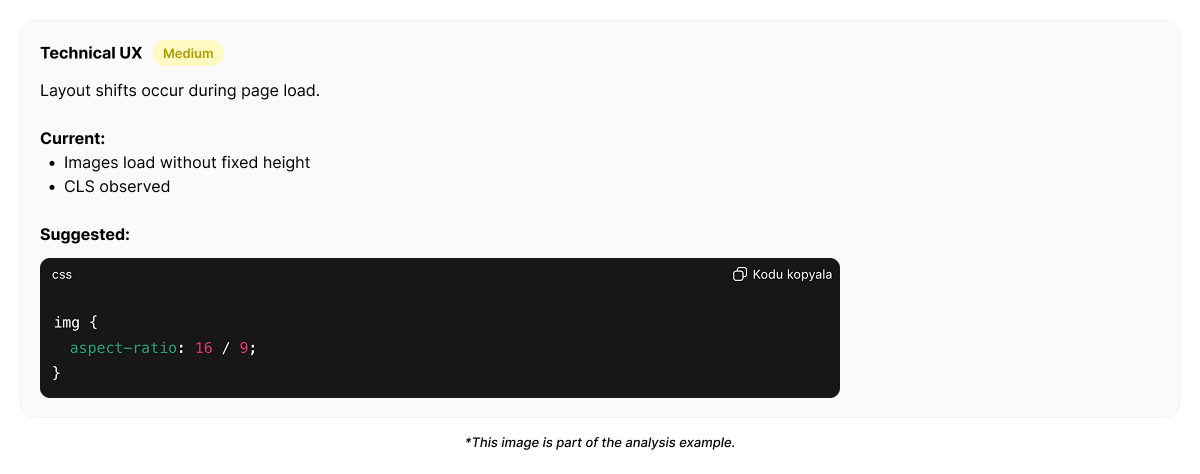
Example output from Heurilens
Technical UX Friction Detected
Users repeat actions and refresh pages after system responses.Technical feedback does not clearly confirm state changes, reducing trust in outcomes.
Example technical UX trace (simplified)
Why technical UX matters
Technical UX defines:- whether users feel safe committing actions
- whether progress feels reliable
- whether performance feels predictable
Related patterns
Interaction Design
Feedback clarity bridges technical gaps.
User Flow
Technical reliability sustains momentum.
Forms CRO
Technical friction breaks conversion.
UX Risks
Technical debt becomes UX risk.
See technical UX issues on your product
Run an analysis and see how technical behavior affects user trust.